
Browser workflow

Turn a recording into a draft with audio to text online

Audio to text online gives you a browser-based route from spoken words to a draft transcript. Start with a clear recording, then check names, numbers, and uncertain passages against the original audio.

Review the transcript against the audio
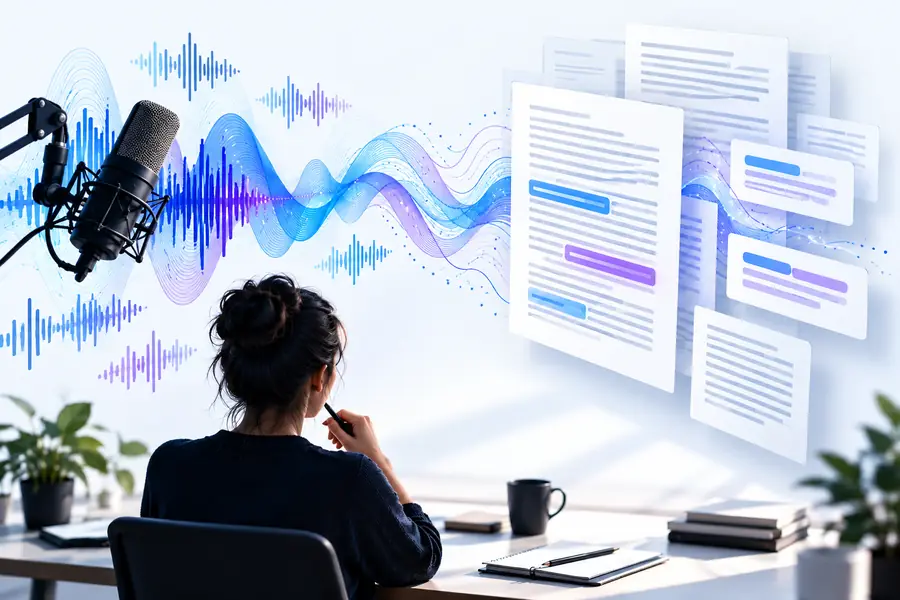
Audio To Text landing-page illustration

A browser route to a reviewable draft

A browser service and a device's built-in dictation feature solve different problems. Choose based on whether your source is a saved recording or speech happening now.

Browser transcription
Device dictation

Typical source

Browser transcription

A recording you already have, if the service accepts its file type.

Device dictation

Speech captured through the device microphone as you speak.

Where you work

Browser transcription

A website opened in a browser.

Device dictation

A keyboard, notes app, or operating-system input field.

File preparation

Browser transcription

Locate the recording and check the service's accepted formats and limits.

Device dictation

Select a text field and enable microphone access where required.

Long recordings

Browser transcription

Check the service's duration or size limits before submitting.

Device dictation

Check whether the dictation feature remains active for the full session.

Review method

Browser transcription

Replay the saved source while correcting the draft.

Device dictation

Correct text as it appears or immediately after speaking.

Privacy decision

Browser transcription

Read the service's handling policy before submitting sensitive audio.

Device dictation

Check how the device's dictation provider processes speech.

Where a transcript helps

The useful output is not just captured words; it is text you can verify, search, and adapt for a specific task.

Interview editor

An editor has a saved MP3 interview and needs passages to quote.

Draft the transcript, replay each proposed quotation, and use the MP3 guide to check file-specific considerations before submitting.

mp3 audio to text converter online free

Mobile reporter

A reporter records a short voice memo while away from a desk.

Keep the original memo for verification; the iPhone guide explains ways to move from a mobile recording toward editable text.

how do i convert audio to text on my iphone

Meeting note-taker

A note-taker needs a written record that colleagues can annotate.

Correct the draft before sharing it; the Word guide covers options for getting transcription into a document workflow.

how to transcribe audio to text in word

Event organizer

An organizer must decide whether to capture speech during an event or process the recording afterward.

Compare the timing and review needs first; the live voice guide focuses on speech captured as it happens.

live voice to text free

Step by step, from file to final text

This workflow keeps the recording available as the source of truth. A generated transcript is a draft until someone checks it.

Check the source recording

Play the opening and a section from the middle before you submit anything. Confirm that speech is audible, identify the recording's format, and note any names or specialist terms you will need to verify later.

Keep an unchanged copy of the original audio.
Check whether you have permission to process or share the recording.

Use the browser route

Open the transcription service and follow its current instructions for providing audio. Check its supported inputs, limits, and handling terms on that service rather than assuming every website offers the same options.

Choose the correct recording, not an earlier edit.
Avoid submitting confidential material until its handling is clear.

Match the draft to what was said

Read the text while replaying the recording. Pay particular attention to proper names, numbers, overlapping speakers, and sentences where a small word changes the meaning.

Mark passages you cannot confirm instead of guessing.
Save the corrected text separately from the original audio.

Limits and edges to check first

An online workflow depends on both the recording and the service you choose. Check these requirements before relying on the resulting text.

You must have

Without every one of these the route does not run.

  • A recording you can access and are authorized to process.

    Permission matters especially for interviews, meetings, and confidential speech.

  • A browser and a connection suitable for the service's submission method.

    Connection needs vary by service and recording size.

  • Confirmation that the service accepts your file format and duration.

    Do not assume MP3, video files, or long sessions are accepted everywhere.

  • Time to replay and correct the draft before publication or sharing.

    Automatic text can mishear quiet speech, names, and overlapping voices.

Nice to have

Skip any of these and the route still works — they only make it faster.

  • A list of expected names and technical terms for review.

    This helps you spot plausible-looking transcription mistakes.

The recording is the reference; the text is the draft

Treat any visual before-and-after example as an illustration of the workflow, not a promise of perfect transcription.

Illustration associated with an online audio transcription workflow Source recording
Illustration associated with audio transcription examples Text to review
A transcript can make spoken material easier to scan, but only the original recording can settle a disputed word. Replay uncertain passages before treating the text as a reliable record.

Ready to work from your recording?

Move from audio to a text draft

Take a recording you are allowed to process and explore the linked transcription service. Check its current input requirements and terms, then review any resulting text against your source audio.

Transcribe my audio
  • Check the service's accepted inputs.
  • Keep the original recording for review.
  • Verify names, numbers, and unclear speech.

Questions about online transcription

Many browser-based transcription services accept saved recordings, but the accepted formats and limits differ. Check the service's current instructions before submitting your file, and keep the original for comparison.

A browser workflow generally starts on a website rather than in a separately installed transcription app. The service may still have browser, connection, or file requirements, so check those before you begin.

Accuracy depends on the recording, the speech, and the service used. Background noise, overlapping speakers, names, and numbers deserve particular attention when you review the draft.

Confirm that you have permission to process the recording. Read the service's current privacy and retention information before sharing sensitive conversations or personal data.

Replay the relevant section and correct only what you can hear. Mark genuinely uncertain words for follow-up rather than replacing them with a plausible guess.

Start converting
Start converting