Journalists
Interviews contain overlapping answers, unfamiliar names, and useful quotes buried in a long recording.
A speaker-labeled draft with timestamps makes fact-checking and quote selection easier.
audio to text onlinePractical examples
These free audio to text examples show how a recording can become a useful transcript for interviews, meetings, lessons, and accessibility work. Use the sample prompts and workflows as a starting point, then review the result against the original audio.

Start with the use case
The right output depends on what you need to do next. These examples connect common recording problems with a practical transcript outcome.
Interviews contain overlapping answers, unfamiliar names, and useful quotes buried in a long recording.
A speaker-labeled draft with timestamps makes fact-checking and quote selection easier.
audio to text onlineLectures and study groups move too quickly to capture every explanation in handwritten notes.
A searchable transcript creates a reviewable record that can be organized into notes later.
voice to text freePlanning calls end with scattered memories and no reliable record of decisions or owners.
A transcript can be reviewed for decisions, action items, deadlines, and unresolved questions.
best audio to text converterAudio and video content may not be usable for people who need written alternatives.
A carefully checked text version provides a foundation for captions, summaries, and accessible documentation.
how to transcribe audio to text in WordEach prompt is intentionally specific about the recording, structure, and review task. The result is easier to check than a request for a generic transcript.
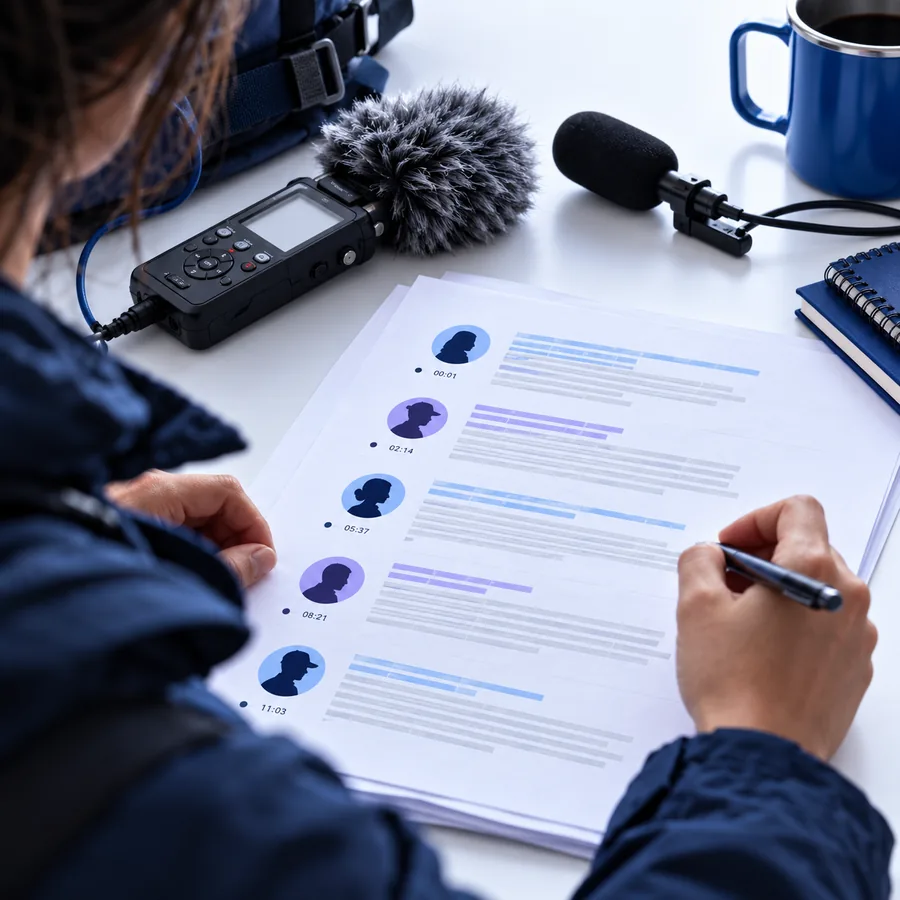
Transcribe this interview, label each speaker as Interviewer or Guest, add timestamps every two minutes, and mark uncertain words with [inaudible].
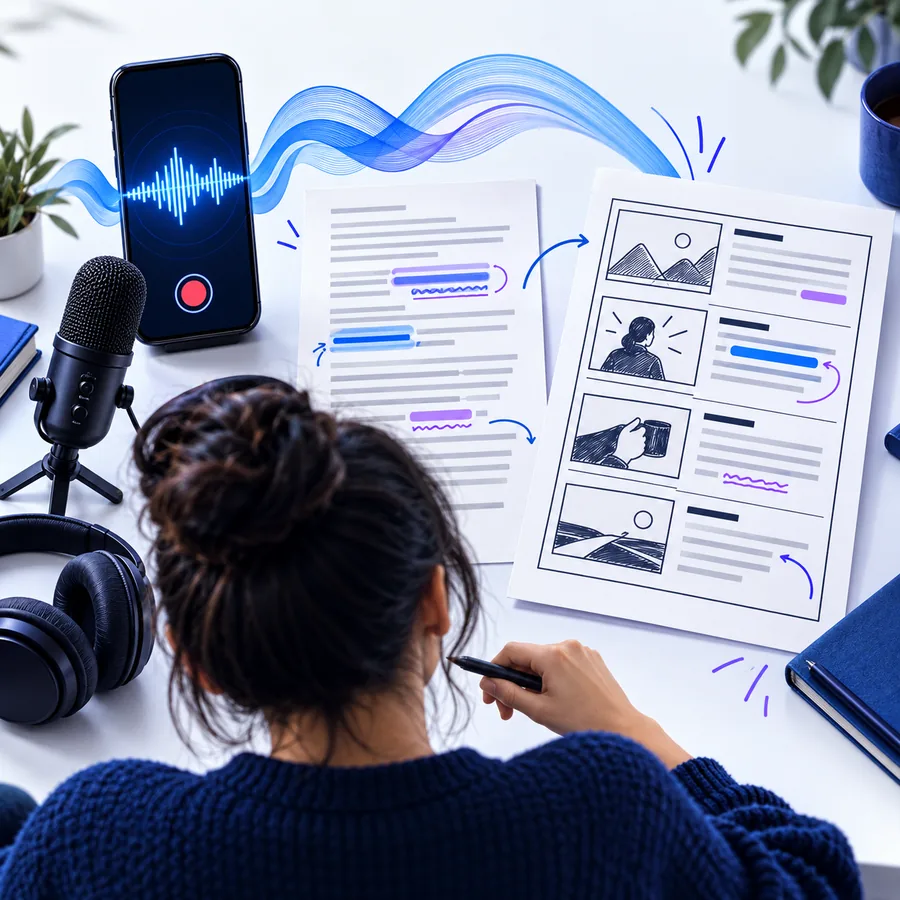
Transcribe this team meeting, then separate the result into Decisions, Action items, Owners, Deadlines, and Open questions. Do not invent missing details.
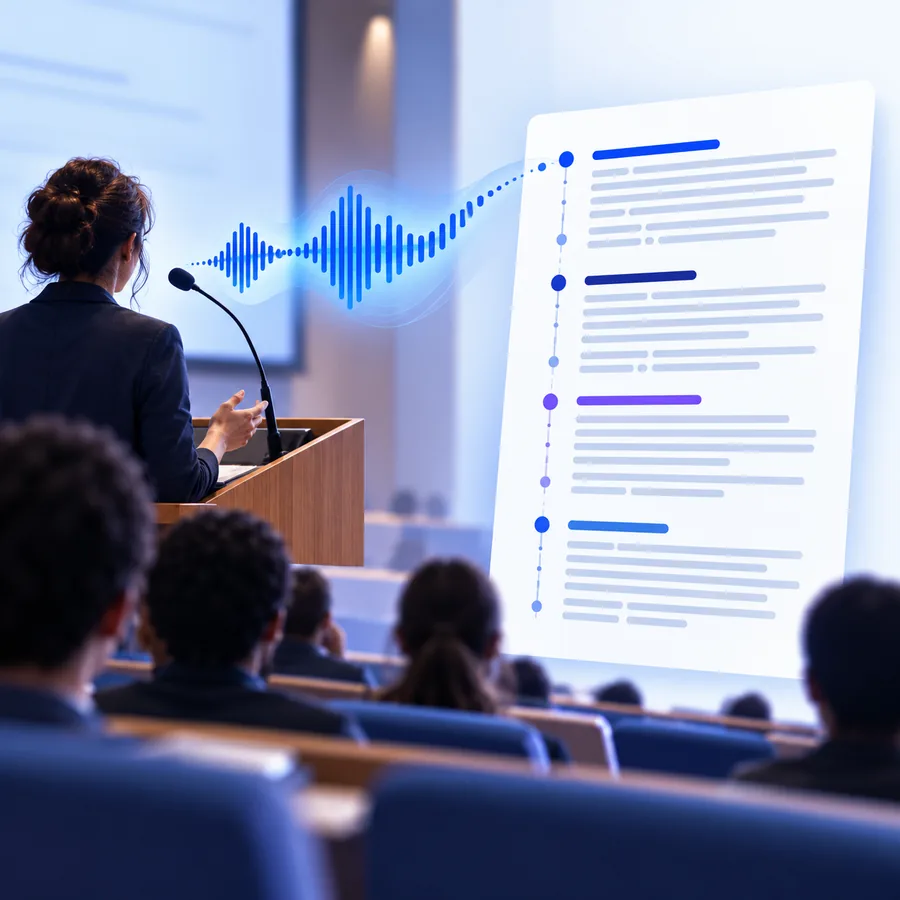
Transcribe this lesson in readable paragraphs, preserve technical terms, add headings for each topic, and list three review questions at the end.
 1
Interview
1
Interview
 2
Meeting
2
Meeting
 3
Lesson
3
Lesson
Adapt the prompt by naming the speakers, sections, timestamps, and uncertainty markers you actually need.
A useful transcript is not only accurate-looking; it is organized for the next step. Open the details to see what to verify before sharing or publishing it.
Use a speaker-labeled transcript as a working document for searching, selecting quotations, and checking wording against the recording. Keep the original audio beside the draft during review.
Turn a conversation into a structured record without pretending that an unclear statement is a confirmed decision. Separate what was said from what still needs clarification.
A lesson transcript can support revision when it preserves the teacher’s terminology and keeps the sequence of ideas intact. It should supplement, not replace, the original instruction.
Use the slider for a rough planning estimate, not a promise about processing speed. The figures assume about 150 spoken words per minute and three minutes of review per recorded minute.
words
minutes
Choose the workflow that matches the sensitivity of the recording and the consequences of getting a detail wrong.
Choose this when
Use a structured transcript with timestamps and a light human review.
The main risk is usually usability, such as missing names or unclear sections, rather than exposure of sensitive information.
Choose this when
Check your organization’s approved handling process before uploading or sharing it.
Consent, retention, access, and vendor requirements may apply even when the transcript is only an internal draft.
Choose this when
Verify quotations, figures, names, and conclusions against the original audio.
A fluent transcript can still contain recognition errors that change meaning.
The workflow has changed from mechanical recording to searchable, structured text, but review remains part of responsible use.
The phonograph made it possible to capture speech as a physical recording, creating a source that could be replayed rather than remembered.
Researchers began building systems that could distinguish limited spoken words, establishing the foundations for machine-assisted transcription.
Statistical methods helped speech recognition move into desktop and enterprise tools, although vocabulary and accuracy were still constrained.
Neural network approaches made longer, more natural recordings easier to process and helped transcription become a common software workflow.
People increasingly ask for speaker labels, timestamps, summaries, action items, and review markers rather than a raw block of text.
Bring a clear prompt and the right review checklist to your next recording. Start with the workflow that matches your audience, then verify the details that matter most.
Convert my audioAnswers to common questions about using examples to plan an audio transcription workflow.
A useful example explains the recording scenario, the requested structure, and the next action for the transcript. It also shows what should be checked, such as speaker names, timestamps, figures, or uncertain words.
Sometimes, but the best format depends on the task. An interview may need speaker labels and timestamps, while a meeting may need decisions and action items; a generic transcript often requires more cleanup.
Choose verbatim when wording, pauses, or exact quotations matter. Choose a lightly cleaned version when readability is the priority, but keep the original audio available and avoid silently changing meaning.
Check names, numbers, dates, technical terms, quotations, and any passage marked as uncertain. For sensitive recordings, also confirm that consent, access, retention, and sharing requirements have been addressed.